
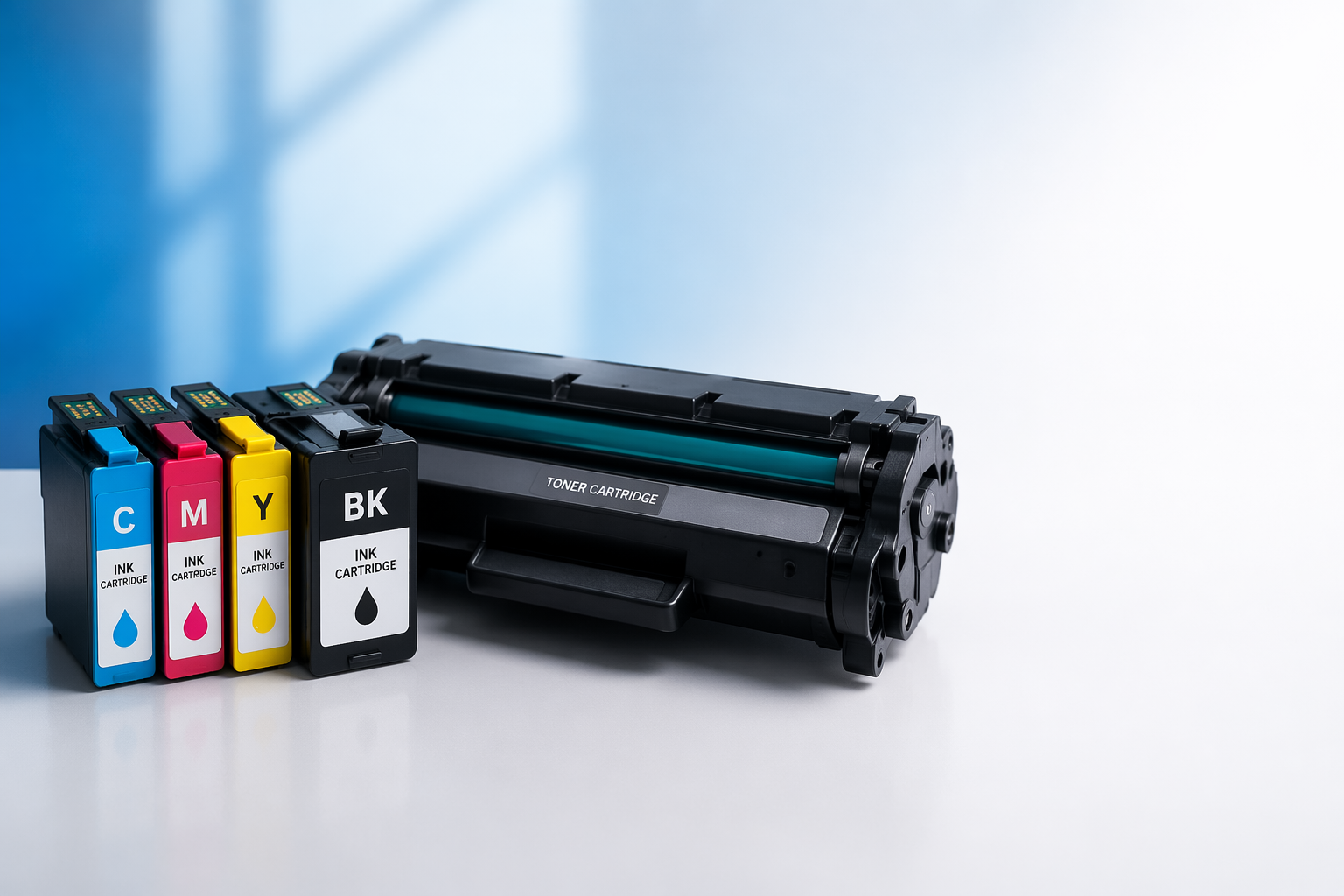
Printer cartridges are one of those things most people buy in a hurry and regret later. Wrong type, wrong model, poor quality, and suddenly your printer is throwing errors or producing streaky pages. This guide covers everything you need to know about printer cartridges so you can buy with confidence, spend less, and keep your printer running well.
We'll walk through the two main cartridge types, how to choose the right one for your printer, the difference between OEM and compatible options, and a few tips that will stretch every cartridge further.
Ink Cartridges vs Toner Cartridges: What's the Difference?
This is the first thing to get right, because ink cartridges and toner cartridges are not interchangeable; they work in completely different printers.
Ink cartridges contain liquid ink and are used in inkjet printers. The printer sprays microscopic droplets of that ink onto paper to build up text and images. Inkjet printers are popular for home use because they're affordable to buy and handle photo printing well. The downside is that ink can dry out if the printer sits unused for too long, leading to clogged print heads that need cleaning.
Toner cartridges contain toner powder; a fine mix of carbon, plastic, and iron oxide — and are used in laser printers. A laser beam charges a drum inside the printer, attracts the toner, and heat fuses it to the paper. Laser printers are faster, more cost-efficient per page, and toner powder doesn't dry out between uses. That makes them a smart choice for offices or anyone who prints large volumes regularly.
The simplest way to tell which type you have: ink cartridges are small and filled with liquid; toner cartridges are larger, roughly the width of the printer itself.
How to Find the Right Cartridge for Your Printer
Every printer is designed to work with a specific set of cartridges. Using the wrong one won't just cause poor print quality; it can damage the printer.
Here's how to find your correct cartridge quickly:
- Check your printer model number. It's printed on a label on the front, top, or underside of the printer. Write it down.
- Look at your current cartridge. The cartridge compatibility number is usually printed directly on the cartridge body.
- Check the printer manual. It will list every compatible cartridge for your model.
- Search by printer model online. Type your model number into any reputable cartridge retailer and the compatible options will come up immediately.
One common mistake is assuming cartridges from the same brand will work across models. A Canon cartridge for one printer won't necessarily fit another Canon printer. Always match to the specific model, not just the brand.
OEM, Compatible, and Remanufactured: Which Should You Buy?
Once you know your cartridge number, you'll typically have three buying options.
OEM cartridges (Original Equipment Manufacturer) are made by the same company that made your printer; HP, Canon, Epson, Brother, and so on. They're engineered specifically for your printer and generally offer the most consistent print quality. They're also the most expensive option.
Compatible cartridges are brand-new cartridges made by third-party manufacturers. They're engineered to meet or exceed OEM specs and cost significantly less; often 40 to 60% cheaper. For everyday printing of documents, invoices, and emails, a quality compatible cartridge delivers virtually identical results. Browse our full range of HP toner cartridges to compare compatible and OEM options side by side.
Remanufactured cartridges are recycled OEM shells that have been cleaned, refilled, and tested. Quality varies depending on the remanufacturer. A reputable supplier will produce a solid product; a cheap one may not. Always buy remanufactured from a trusted source.
A word on printer warranties: many people worry that using compatible or remanufactured cartridges will void their warranty. Under Australian Consumer Law, a manufacturer cannot void your warranty simply because you used a third-party cartridge. The ACCC confirms that your statutory consumer rights remain in place regardless of which brand of cartridge you use. A cartridge would need to directly cause physical damage to affect a warranty claim — and a quality compatible cartridge simply won't do that.
Standard vs High-Yield Cartridges: Which Gives Better Value?
Most cartridge models come in two versions: standard yield and high-yield (often labelled XL). Cartridge page yield is the number of pages a cartridge is expected to print, based on 5% page coverage; roughly a standard text-heavy document.
High-yield cartridges cost more upfront but deliver a much lower cost per page. If you print regularly — say, more than 100 pages a month; the XL version will almost always work out cheaper over time. Standard cartridges make more sense for light, occasional printing where you're unlikely to burn through a large cartridge before it expires.
Before you buy, check the cartridge's stated page yield and divide the price by that number. That gives you your cost per page; the only figure that really matters for comparing value.
Tips to Get More From Every Cartridge
Good habits can meaningfully extend cartridge life and protect print quality.
- Print at least once a week to keep ink flowing and prevent clogged print heads in inkjet printers.
- Store spare cartridges in a cool, dry place and keep them in their original sealed packaging until you're ready to use them.
- Use draft mode for internal documents; it uses significantly less ink without any real impact on readability.
- Print in greyscale when colour isn't needed. Running colour ink cartridges dry faster than necessary is an easy cost to avoid.
- Don't ignore low ink warnings. Printing on an almost-empty cartridge can leave residue on the print head and affect the quality of your next cartridge.
Ready to stock up? Find compatible and OEM cartridges for every major printer brand at OZ Toner; with fast shipping across Australia.
The Bottom Line
Printer cartridges are not complicated once you know what to look for. Match the cartridge to your exact printer model, choose between OEM and compatible based on your budget and print volume, and pick the high-yield version if you print regularly. Those three decisions alone will save you money and frustration every time you restock.